My Recipe Box
The app to organize all your recipes
Import, create, sort and plan all your recipes in one app. Save recipes you find on the web, Instagram or TikTok, and easily find them again.
- 100% free
- Unlimited recipes
- One-tap import


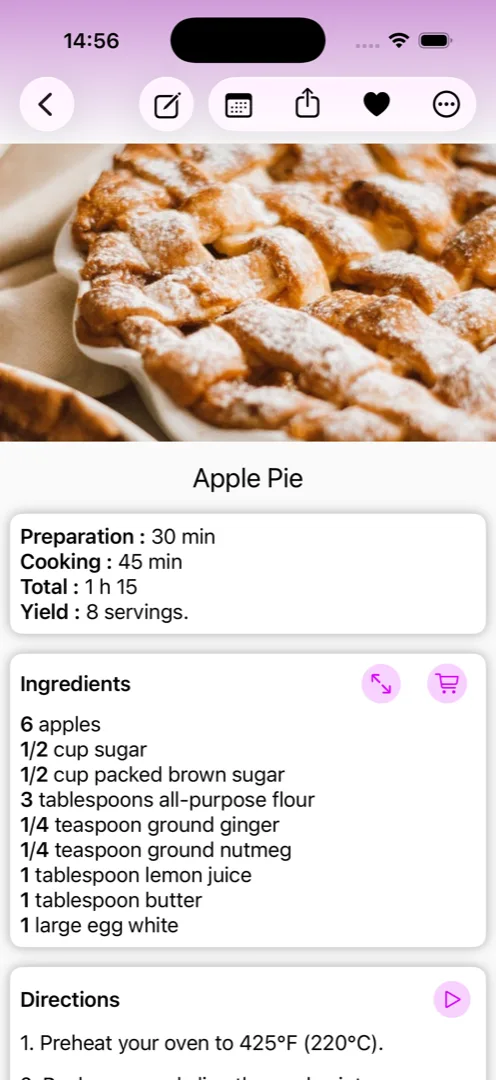
4.8/5 · more than 46,000 reviews · over a million downloads · since 2013
Spotted a recipe on a cooking website, Instagram, Facebook or TikTok? Keep it for good.
My Recipe Box is your cookbook in your pocket: recipes you found on the web and social media sit next to your family recipes, easy to find whenever you feel like cooking them. Free, on Android and iPhone.
100% free
Download and use My Recipe Box for free on Android and iOS.
Unlimited recipes
Store as many recipes as you want — there's no limit.
One-tap import
From a cooking website, Instagram, Facebook or TikTok — no retyping needed.
Everything in one app
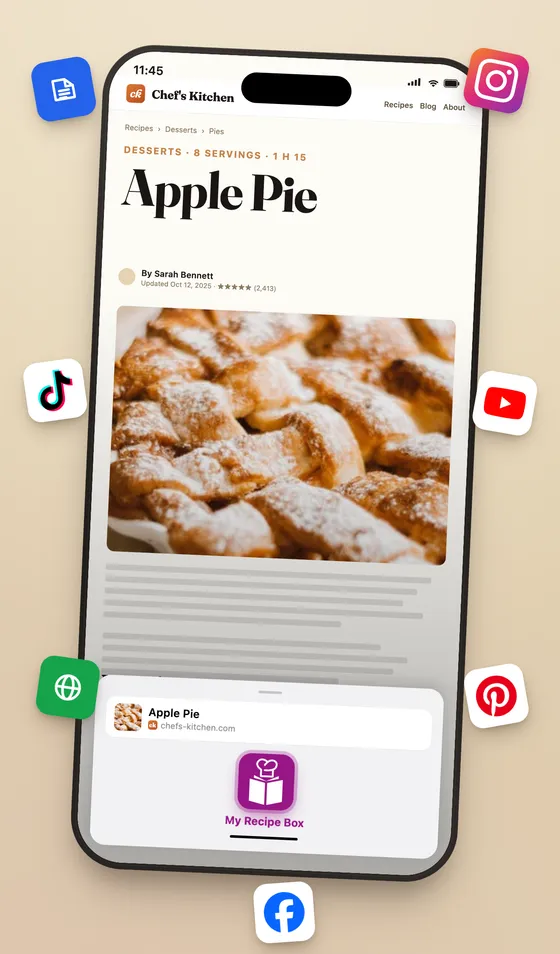
Import recipes
Save any recipe from anywhere
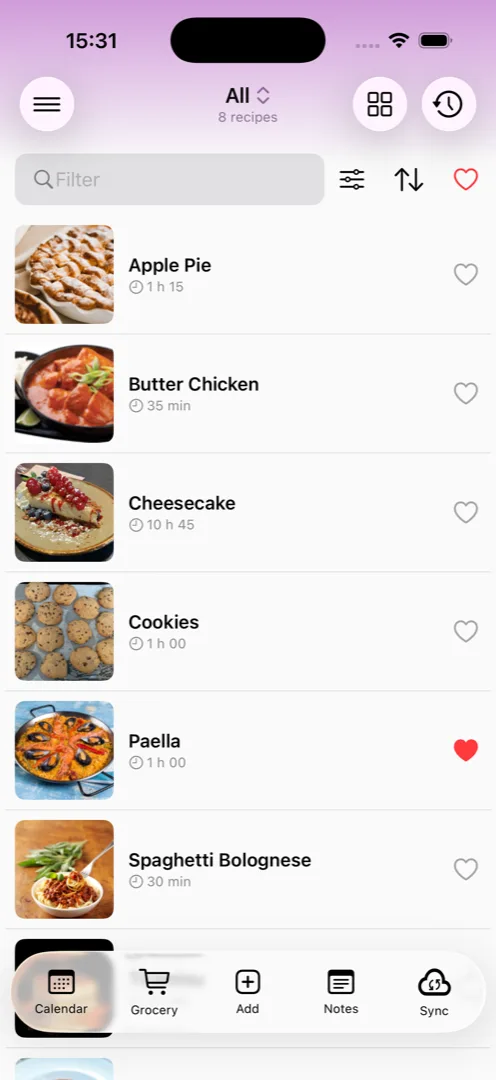
Organize and filter your recipes
Organize your recipes by categories and keywords. Different filters are available to quickly find the ideal recipe
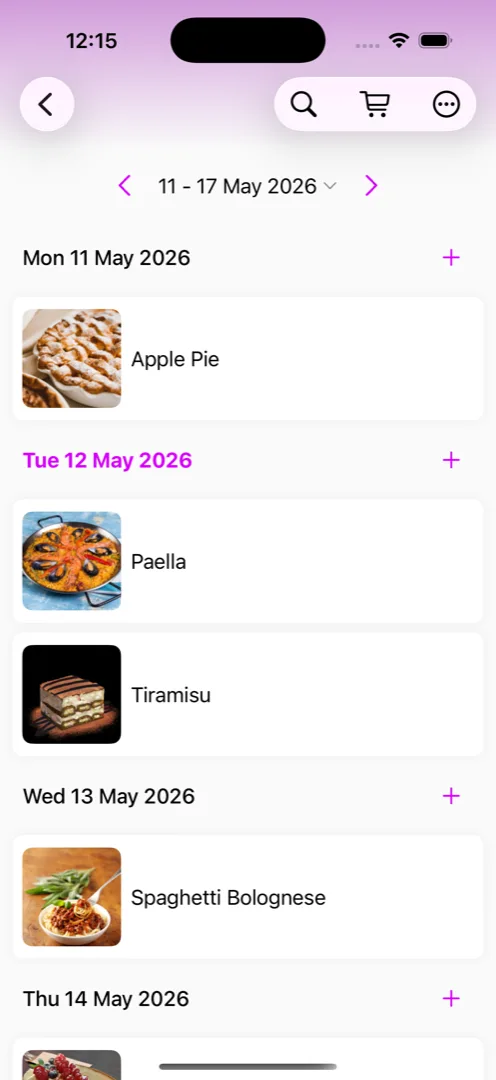
Plan your recipes
Organize your week by planning your recipes
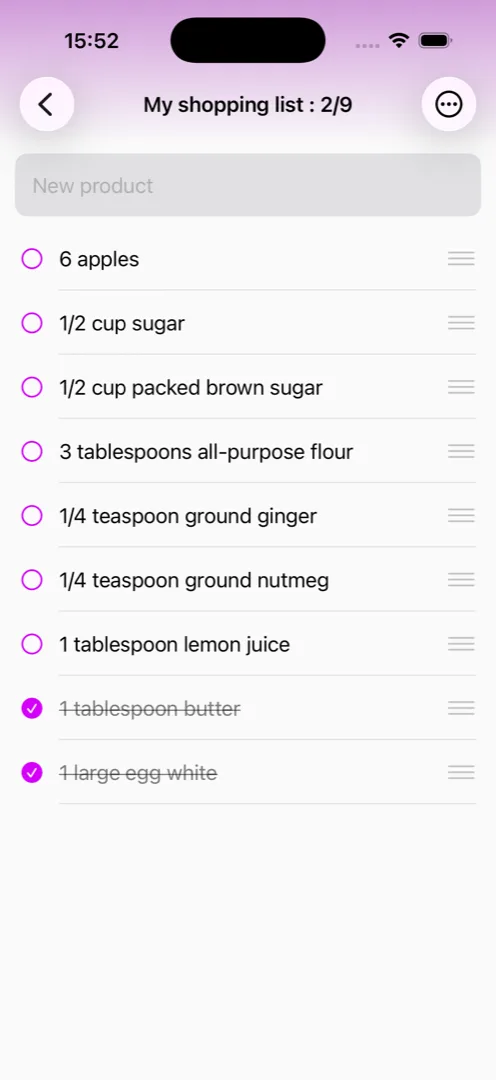
Make your shopping lists
Generate your shopping lists from your recipes or enter your items
See it in action
Do not wait any longer to install it
The recipe generator
With the recipe generator, you can enter your recipes online and import them quickly into My Recipe Box.
Let's goYou have a question?
Find your answer in the help
Let's goFor Android : [email protected]
For iOS : [email protected]
Frequently asked questions
Is My Recipe Box a complete cooking app?
Yes. My Recipe Box covers the whole cooking workflow in one app: import recipes from any website or social network, create your own recipes, generate shopping lists from selected recipes, and plan your weekly meals.
Is My Recipe Box free?
Yes. The app is free to use, available on Google Play and the App Store. A premium version is also available, offering additional features and an ad-free experience.
Is there a limit on the number of recipes?
No. You can store as many recipes as you want.
Can I import recipes from any website?
Yes — My Recipe Box imports recipes from any cooking website, and also from social networks such as Instagram, TikTok, Facebook and YouTube. Paste a URL, share the page from your browser or favorite app, or search by recipe name directly in the app.
How do I avoid losing my recipes?
You can keep your recipes safe by enabling cloud synchronization, or by creating backup files at any time. Both options let you restore your recipes on any device.